Step 1
Start with a messy research question
A neuroscience question usually arrives with unclear datasets, fragile assumptions, and many possible analysis paths.
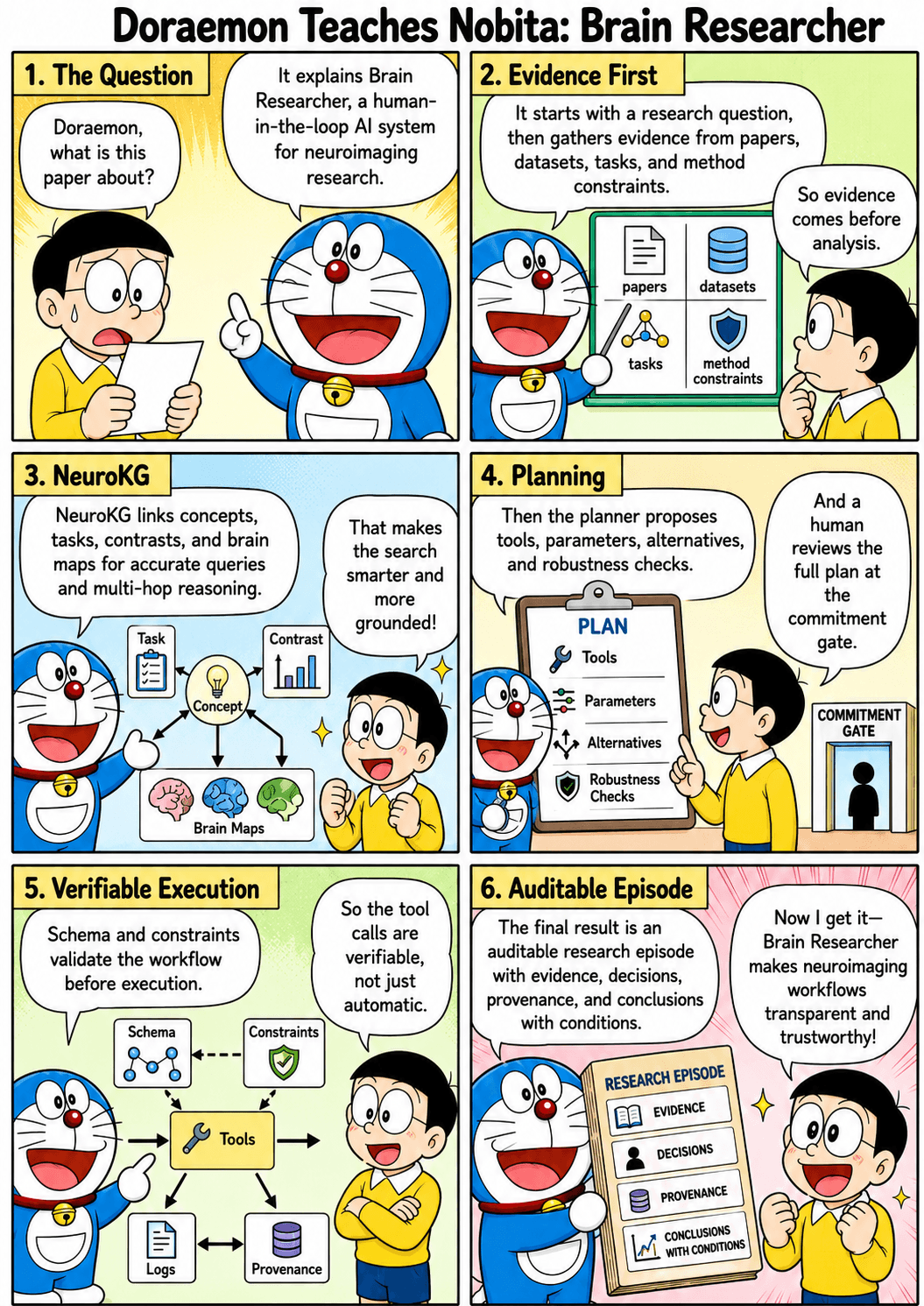
Brain Researcher turns a neuroscience question into an evidence-linked plan, a workflow handoff, and a reportable trail that a researcher can inspect.
BR connects research intent, evidence, methods, execution surfaces, and human review in one workflow.
A neuroscience question usually arrives with unclear datasets, fragile assumptions, and many possible analysis paths.
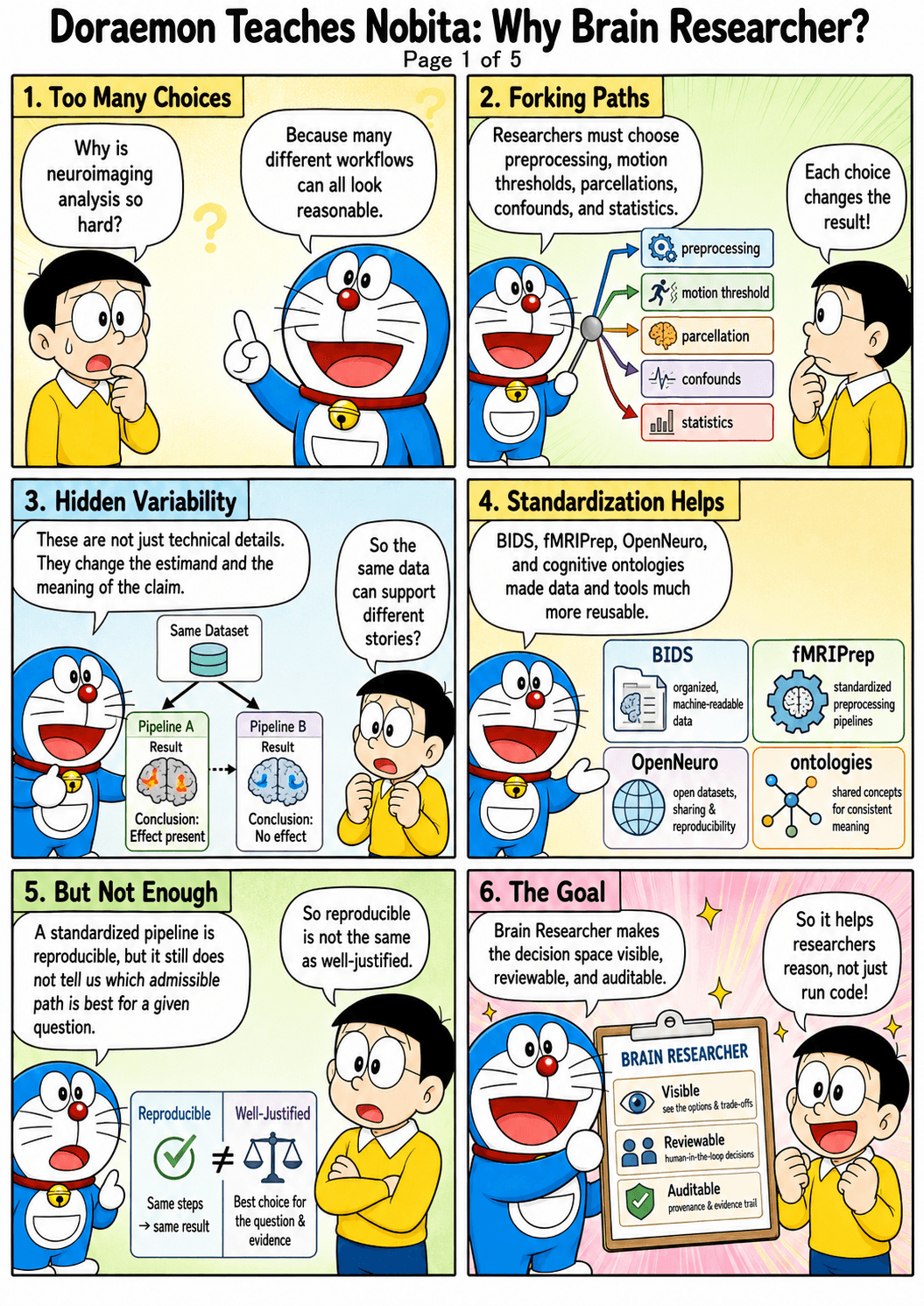
BR turns the question into a structured intent: what evidence is needed, what data could support it, and what needs review.
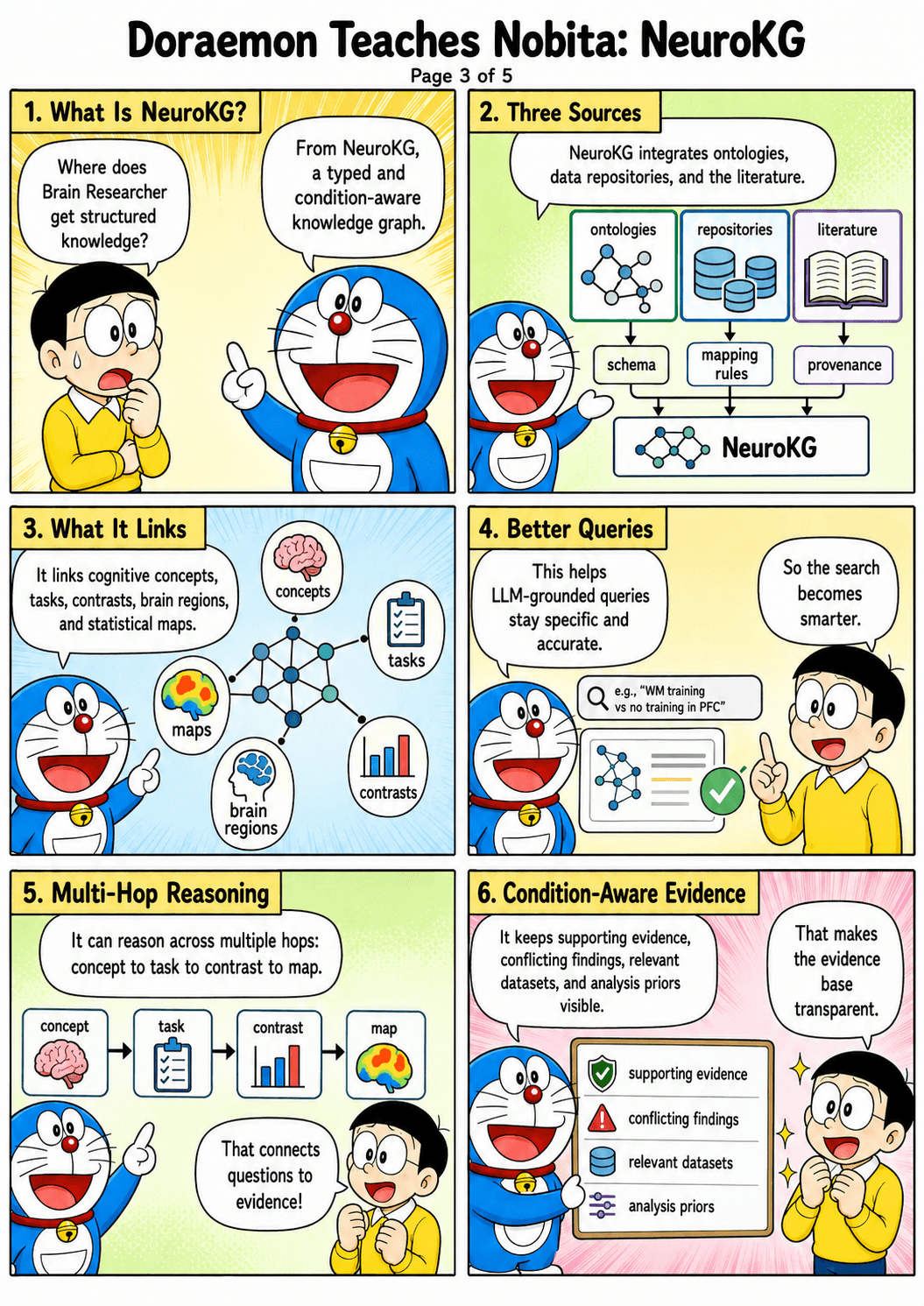
The system links papers, datasets, brain concepts, tools, and prior runs so the plan is not just a prompt.
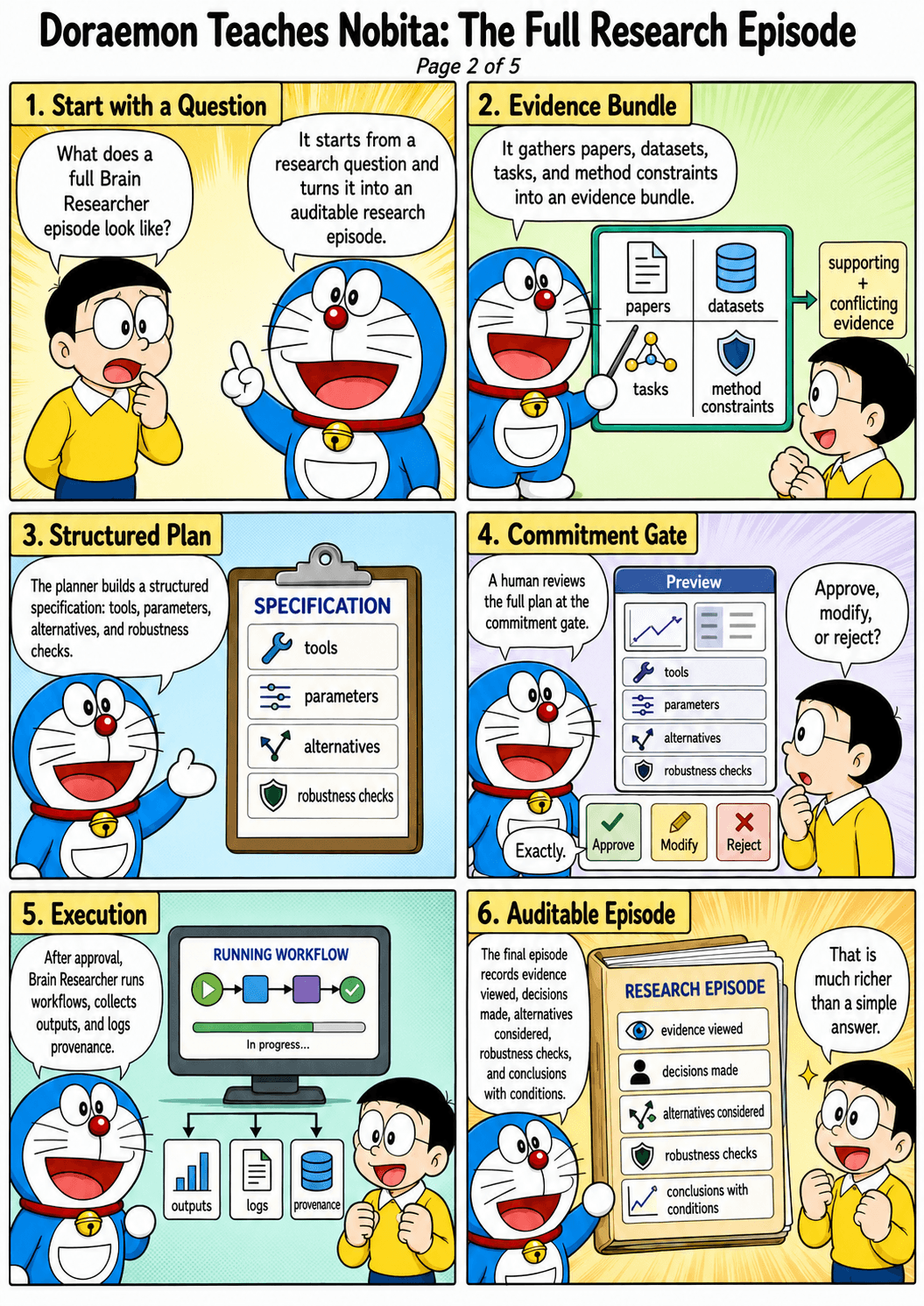
BR proposes a plan with visible assumptions, candidate methods, expected inputs, and handoff boundaries.
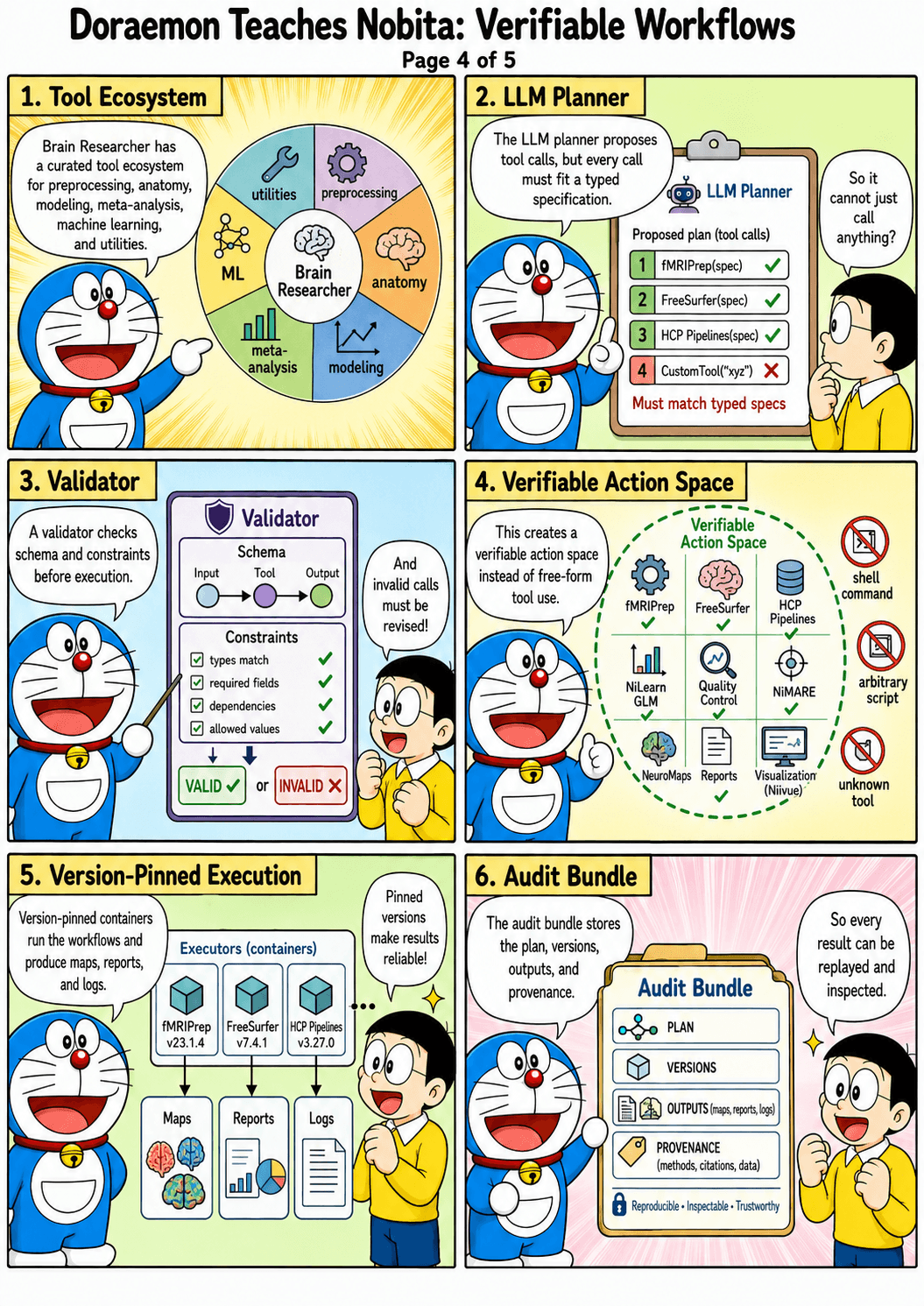
The same work can move through MCP to Cursor, Codex, Claude Code, or a more controlled runtime.
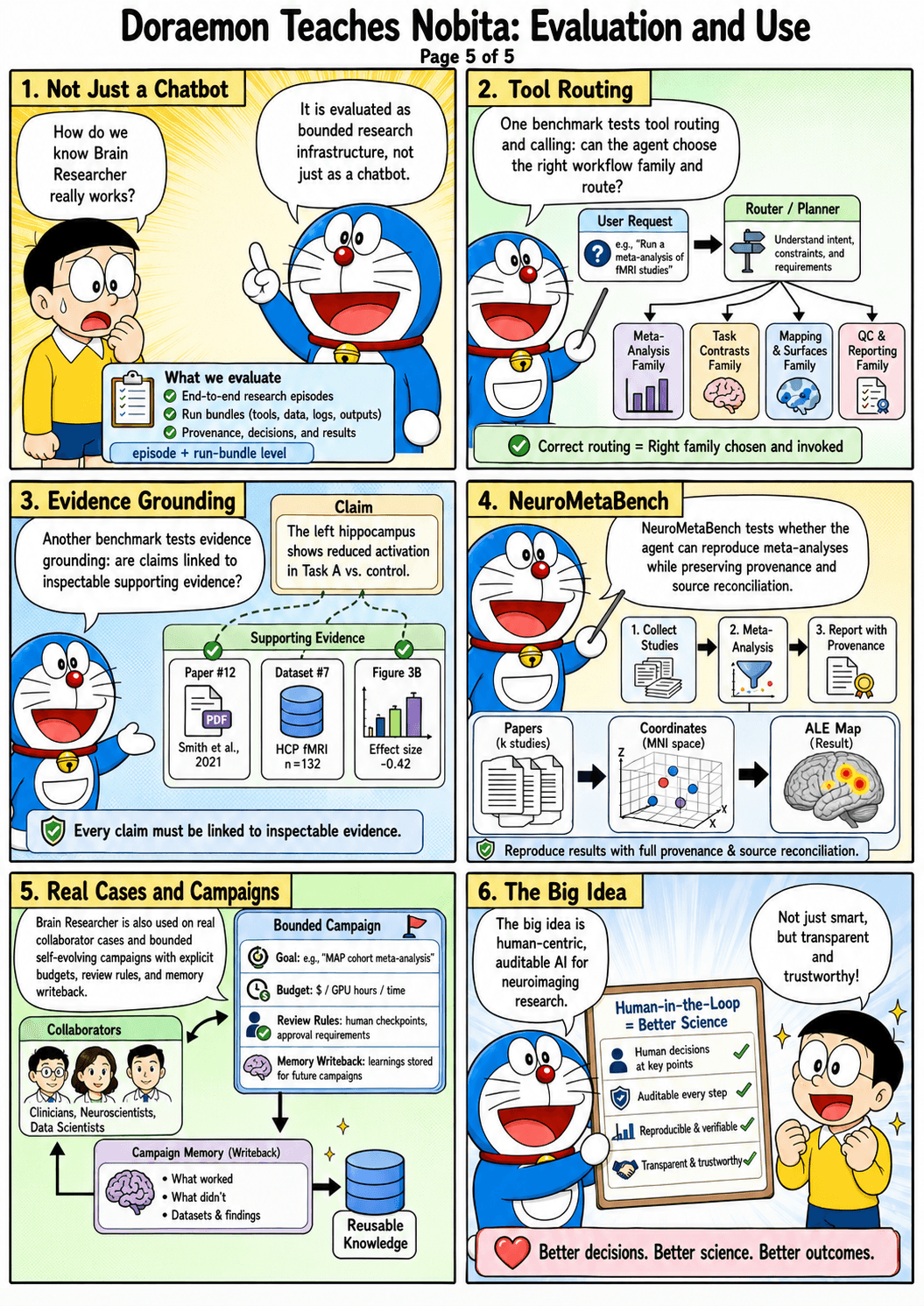
The researcher checks evidence, report artifacts, assumptions, and failure modes before treating a result as useful.
Each surface has a narrower job. Together they keep the research question, evidence, datasets, workflows, and agents aligned.
Find research datasets and inspect readiness before choosing an analysis path.
Start from curated analysis workflows instead of rebuilding every plan from scratch.
Use graph-backed concepts, evidence, papers, tasks, datasets, and tools to pressure-test a plan.
Connect BR to the coding agents and IDEs where research work already happens.
Inspect concrete case reports and evidence bundles before starting your own workflow.
Boundary: BR organizes evidence and workflow handoffs; scientific conclusions still require researcher judgment, appropriate data access, and a supported runtime.
Start with public case reports, then connect BR to the agent environment where you already work.